The Fullspeed platform
Tools that worktogether. From the dispatch board to the driver’s next stop, connect the work that keeps your operation moving. Choose the modules and integrations that fit your team.
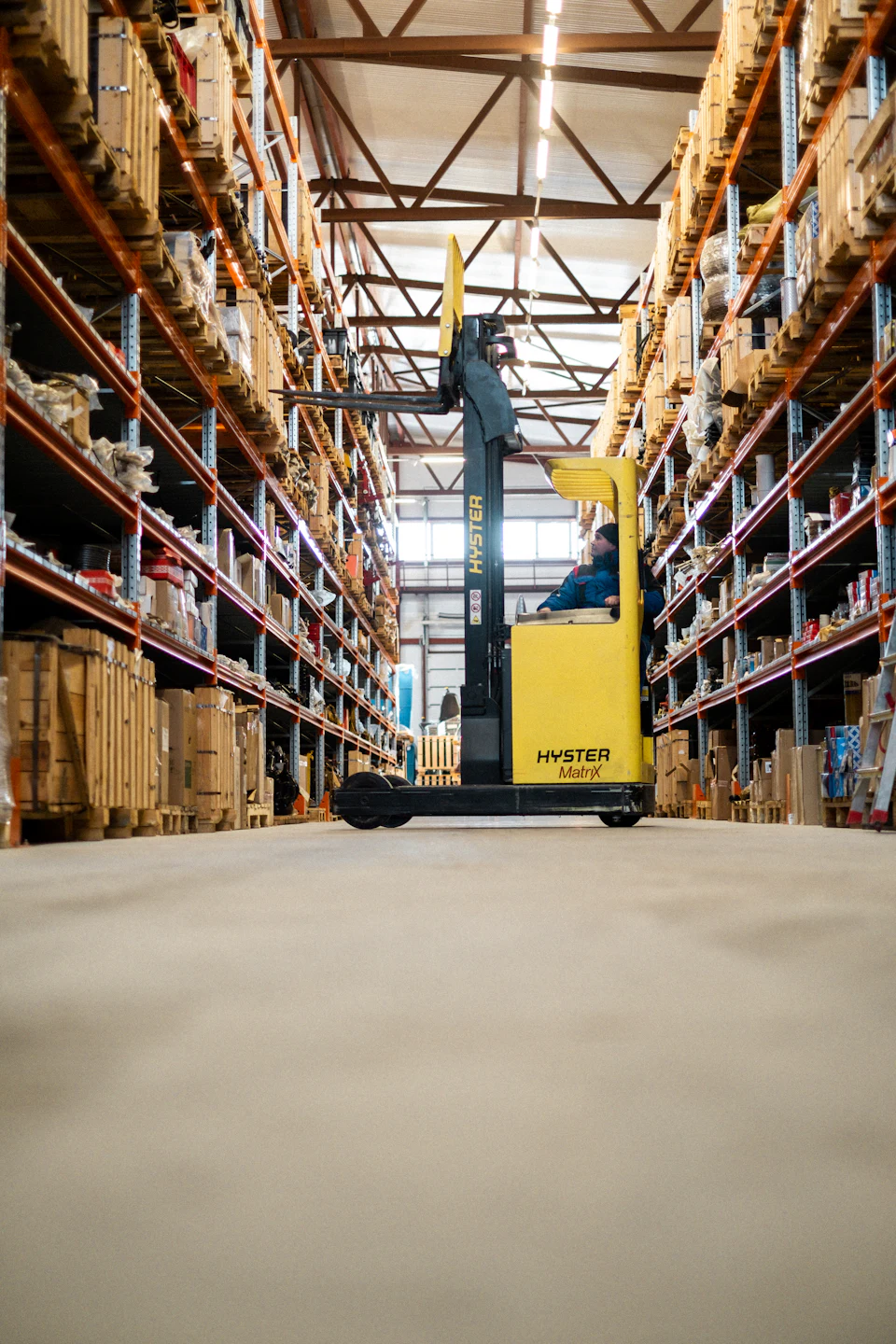
Warehouse operations Photo: Kseniia Ilinykh / Unsplash ↗
From the warehouse to the road
Keep the information Give dispatch, drivers and office teams a connected view of assignments, messages and paperwork as freight moves through your operation.
Talk through your workflow ↗
01 / Plan
Planning & dispatch Keep drivers, trucks, trailers and freight in view. Organize city and highway work with planning boards, maps and clear assignments.
City and multi-day highway planning Driver, equipment and freight views Routing and appointment workflows Dispatch updates and TruckMate integration See how it fits your dispatch team ↗ 02 / Connect
Drivers & communication Give drivers a focused place for their work and keep the office connected to what is happening on the road.
Driver assignments and shipment updates Dispatch messaging and quick replies Photos, documents and signatures Customer call-ahead and notification workflows Explore the driver experience ↗ 03 / Automate
AI email & paperwork Turn incoming messages and documents into useful operational information, with review and automation controls matched to the task.
Email classification and rate-request workflows Shipment matching and partner updates Document extraction and comparison Review, draft and configured automation modes Find a useful starting workflow ↗ 04 / See
Visibility & tracking Bring location and shipment information into a shared view so your team can answer operational questions with better context.
Freight, truck and trailer mapping Site geocoding and location tools Geofence arrival and departure history Configured status and notification workflows Explore your visibility options ↗ 05 / Manage
Operations & reporting Keep the supporting work connected to the operation, from resource availability to equipment checks and useful reports.
Time-off and availability management Maintenance and inspection tools Service intelligence and operational reporting Trip costing, revenue analysis and Crystal Reports Talk through your office workflows ↗ 06 / Adapt
TruckMate & custom development Connect the systems you already use and solve the gaps that standard software leaves in your operation.
TruckMate integrations and data synchronization REST APIs and partner connections Custom SQL, reporting and automation Tools built around your existing processes API services and example ↗ Discuss an integration or custom project ↗